
Download Newsle – Social News Tracker, Free & Secure Web Tool
Overview: What Is Newsle and Why It Matters
Newsle is a cloud‑based web application that consolidates every newsworthy mention of your friends, family, and favorite public figures into a single, easy‑to‑read feed. By connecting to your Facebook or LinkedIn profile, Newsle scans publicly available articles, blog posts, and press releases, then surfaces those pieces that reference people you care about. The result is a personalized “newsroom” where you can stay on top of personal milestones, professional achievements, or celebrity gossip without juggling multiple tabs or search engines. The platform is designed for users who want a proactive, privacy‑respecting way to monitor their social circle’s digital footprint while also keeping tabs on pop‑culture icons.
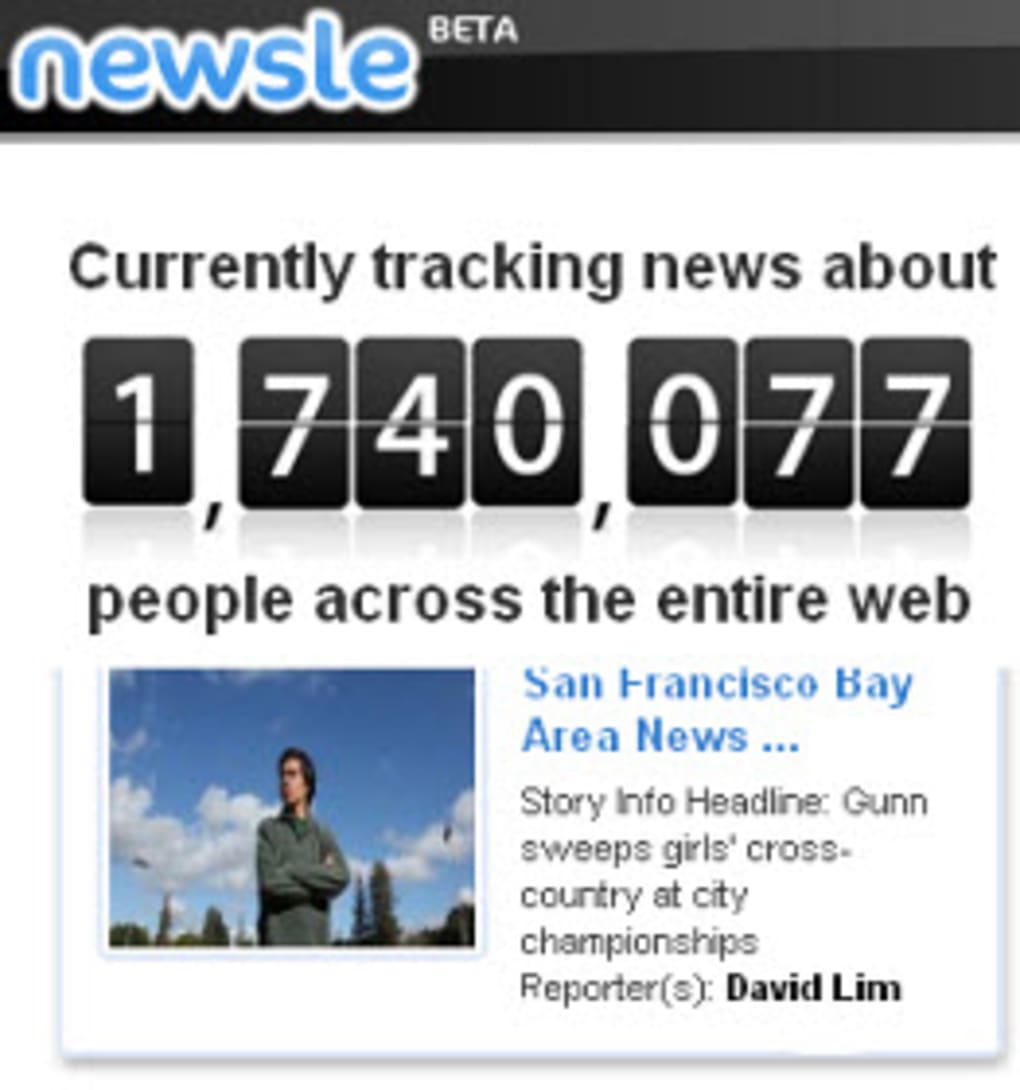
Unlike generic news aggregators that rely on broad categories, Newsle leverages natural language processing (NLP) and a custom relevance algorithm to match names against contextual clues such as location, employer, or mutual connections. When a match is found, the article appears in your feed alongside a thumbnail—either the image from the story, the subject’s profile picture, or a fallback placeholder. You can like, share, or comment directly from the Newsle interface, turning a simple notification into a conversation starter. For professionals, the tool doubles as a reputation monitor: a sudden surge in mentions can signal a viral campaign or a PR crisis, giving you the chance to react in real time.
Security and privacy are baked into the service. Newsle never stores passwords; authentication occurs through OAuth with the original social network, and all data pulls are limited to publicly available content. The platform is free to use for basic monitoring, with premium tiers offering advanced filters, unlimited profile connections, and custom alerts. Whether you’re a busy parent, a small‑business owner, or a celebrity‑obsessed fan, Newsle provides a centralized, secure hub for the stories that matter most.
Key Features That Set Newsle Apart
- Automatic Social Sync: Connect your Facebook or LinkedIn account once, and Newsle continuously pulls new articles without manual searches.
- Personalized Newsfeed: Articles are displayed in chronological order, with optional filters for date range, source, and relevance score.
- Image Enrichment: Whenever an article includes a picture, it’s shown alongside the headline; otherwise, the tool pulls the subject’s profile photo for visual consistency.
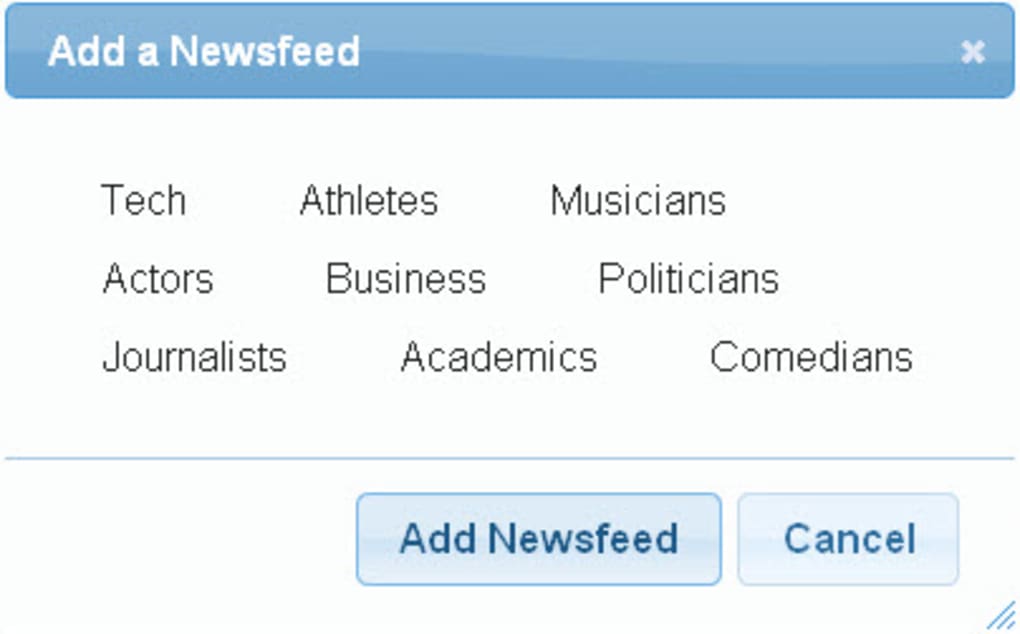
- Celebrity Follow Mode: Subscribe to public figures—actors, politicians, authors—and receive a dedicated stream of their media coverage.
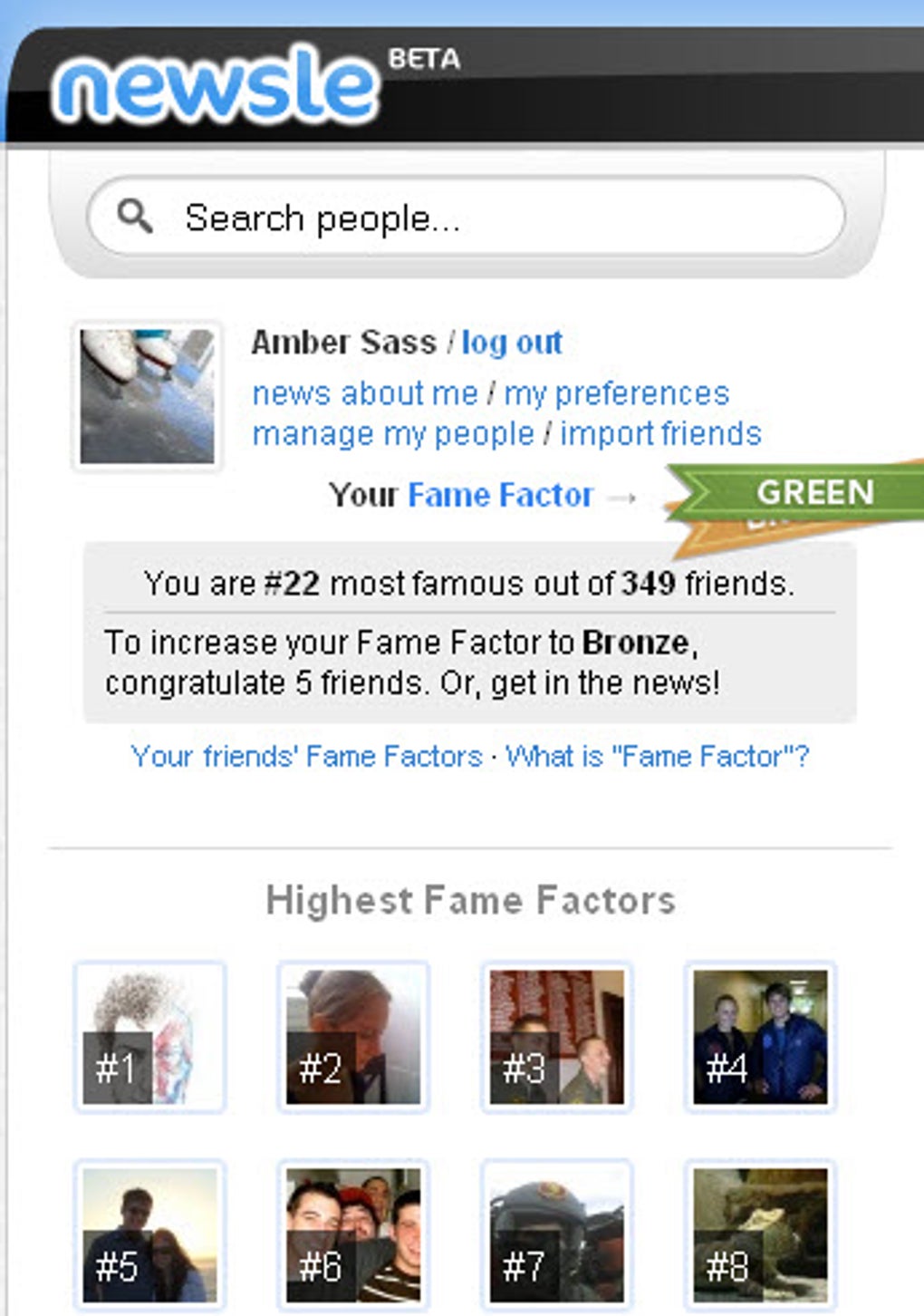
- Fame Factor Dashboard: Track how often you or your contacts are mentioned, compare month‑over‑month growth, and receive suggestions to boost visibility.
- Smart Disambiguation: Using NLP, Newsle reduces false positives for common names by cross‑referencing job titles, locations, and mutual connections.
- One‑Click Sharing: Share interesting articles directly to your own social feeds or via email, preserving the original source link.
- Privacy‑First Architecture: No passwords stored; all data retrieval respects the privacy settings of the linked social accounts.
- Responsive Design: Optimized for desktop browsers, tablets, and smartphones, ensuring a smooth experience on any device.
- Free Tier & Premium Upgrades: Basic monitoring is free; paid plans unlock unlimited profiles, advanced filters, and priority support.
These features collectively make Newsle a versatile tool for both casual users and professionals. The automatic sync eliminates the tedious process of searching each platform for mentions, while the disambiguation engine ensures you see the right articles—even when dealing with common surnames. The Fame Factor dashboard adds a gamified element, encouraging users to engage more actively with the community. For businesses, the premium version can serve as a lightweight media‑monitoring solution, eliminating the need for costly enterprise tools.
Another standout is the seamless image handling. Visual cues dramatically improve scan‑ability; a feed that includes thumbnails feels more like a social timeline than a text‑only list. This visual consistency, combined with the responsive UI, means you can stay informed while commuting, during a coffee break, or while reviewing a client’s PR performance on a laptop. In short, Newsle’s feature set is designed around the principle of “one place, all the news you care about,” and it delivers on that promise with a blend of automation, intelligence, and user‑centric design.
Installation, Usage & Compatibility Guide
Step‑by‑Step Installation
Since Newsle is a web‑based service, there’s no traditional download or installation process. Getting started takes just three minutes:
- Visit the official site: Navigate to www.newsle.com and click the “Sign Up for Free” button.
- Choose a social connector: Select either “Connect with Facebook” or “Connect with LinkedIn.” You’ll be redirected to the respective OAuth page, where you’ll grant Newsle read‑only access to your public profile information.
- Configure your watchlist: After authentication, you’ll be prompted to add contacts. You can import friends directly from your social network, manually type names, or search for public figures using the built‑in directory.
First‑Time Usage Tips
Once your watchlist is populated, Newsle automatically begins scanning the web for relevant articles. The dashboard presents a clean, card‑style feed. Here’s how to make the most of it:
- Filter by source: Use the “Source” dropdown to limit results to reputable outlets (e.g., major news sites, industry blogs).
- Set custom alerts: Click the bell icon on any profile to receive email notifications when a new mention is detected.
- Interact with content: Like, comment, or share directly from the card. Your interaction is logged in a personal activity log for easy reference.
- Refine relevance: If you notice false positives, open the article card and click “Mark as Irrelevant.” The AI learns from these inputs, improving future matches.
Compatibility Details
Newsle runs entirely in the browser, making it compatible with any modern operating system that supports HTML5, CSS3, and JavaScript. Tested environments include:
- Windows 10/11 (Edge, Chrome, Firefox)
- macOS Monterey and later (Safari, Chrome, Firefox)
- Linux distributions with recent browsers (Chrome, Firefox)
- iOS 14+ (Safari, Chrome) – full‑screen web app mode
- Android 9+ (Chrome, Firefox) – responsive layout
The responsive design ensures that the same feature set is available whether you’re on a desktop monitor, a 10‑inch tablet, or a 5‑inch smartphone. Because there’s no native client to install, updates are instantaneous; any new feature or bug fix is rolled out server‑side, so you always interact with the latest version without manual downloads.
Pros & Cons, Frequently Asked Questions & Final Verdict
Pros
- Free basic tier with generous functionality.
- Automatic, real‑time monitoring of multiple social networks.
- Smart disambiguation reduces irrelevant results.
- Visually rich feed with thumbnails and profile images.
- Responsive design works on all major OS platforms.
- Privacy‑first OAuth authentication; no passwords stored.
- Gamified Fame Factor encourages engagement.
- One‑click sharing to external social channels.
- Custom alerts keep you informed without constant checking.
- Premium plan offers unlimited profiles and advanced filters.
Cons
- Reliance on publicly available data means some mentions may be missed.
- Common names can occasionally generate false positives despite NLP safeguards.
- No native mobile app (browser‑only experience).
- Advanced analytics are locked behind paid tiers.
- Requires active social media accounts for initial setup.
FAQ – Your Top Questions Answered
Is Newsle really free to use?
Yes, Newsle offers a completely free tier that allows you to monitor up to five contacts and follow a limited number of public figures. Premium plans add unlimited profiles, deeper filters, and priority support, but the core functionality remains free.
How does Newsle protect my privacy?
Newsle never stores your social media passwords. Authentication uses OAuth, meaning you grant a token that only allows read‑only access to public profile information. All article data is fetched from publicly available sources, and no personal messages are accessed or stored.
Can I monitor people who don’t have a Facebook or LinkedIn profile?
Newsle relies on the social network’s API to pull name variations and contextual clues, so having at least one linked profile improves accuracy. However, you can still add manual entries for contacts without social accounts; the system will search the web using the name and any optional keywords you provide.
What happens if two people share the same name?
Newsle’s NLP engine cross‑references additional data such as location, employer, and mutual connections. If the algorithm is unsure, the article will be flagged for review, and you can manually mark it as relevant or irrelevant to train the system.
Do I need a fast internet connection to use Newsle?
Because Newsle is a web app, it streams data on demand. A standard broadband connection (minimum 5 Mbps) provides a smooth experience. On slower connections, images may load lazily, but the text content remains accessible.
Conclusion & Call to Action
Overall, Newsle delivers a compelling blend of automation, intelligence, and user‑centric design that makes tracking personal and celebrity news effortless. The free tier is generous enough for casual users, while the premium upgrade offers the depth needed by PR professionals and small businesses. Its privacy‑first approach and cross‑platform compatibility further enhance its appeal. If you’ve ever missed a milestone because you didn’t know it was published online, or you simply enjoy staying in the loop about your favorite stars, Newsle is worth a try. Click the link below to create your free account and start curating your own personalized newsfeed today.



.png)



